 WALKSCAPE
 Crosswave Edition
Buying an Osaka Subway Ticket: What I Learned at Kitahama
2018-12-17
A train in Osaka can take you across the city with a station never very far away. Several companies operate the rail network, so the name on the entrance and the route you intend to take can matter when you buy a ticket.
On the last day of a 2018 trip, I reached Kitahama without a transit card and stood in front of a machine that seemed determined to make me guess what came first.
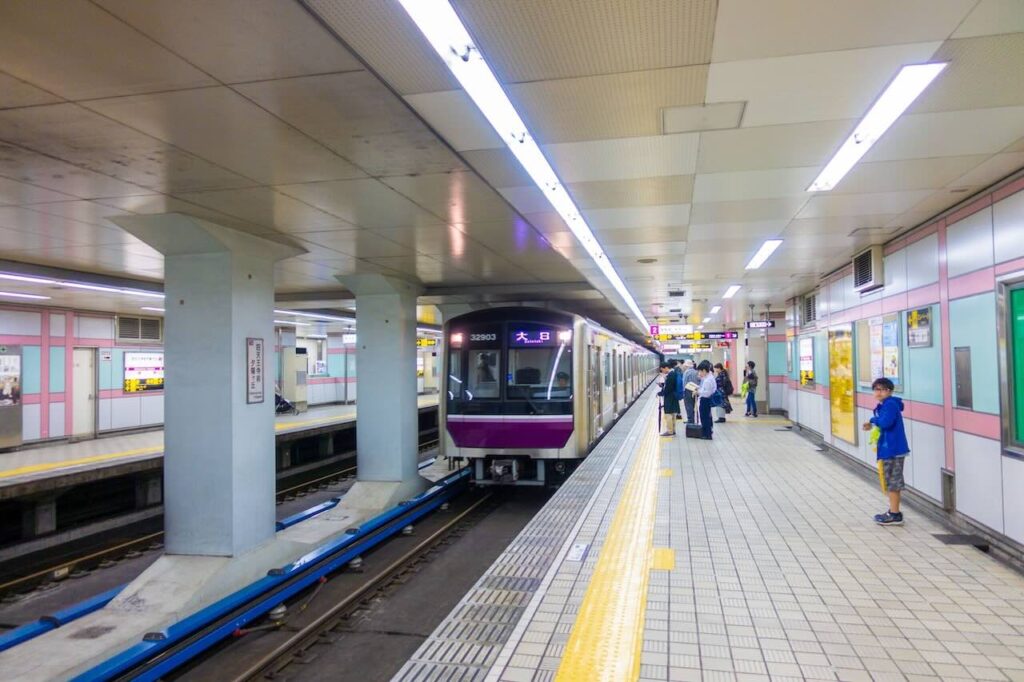
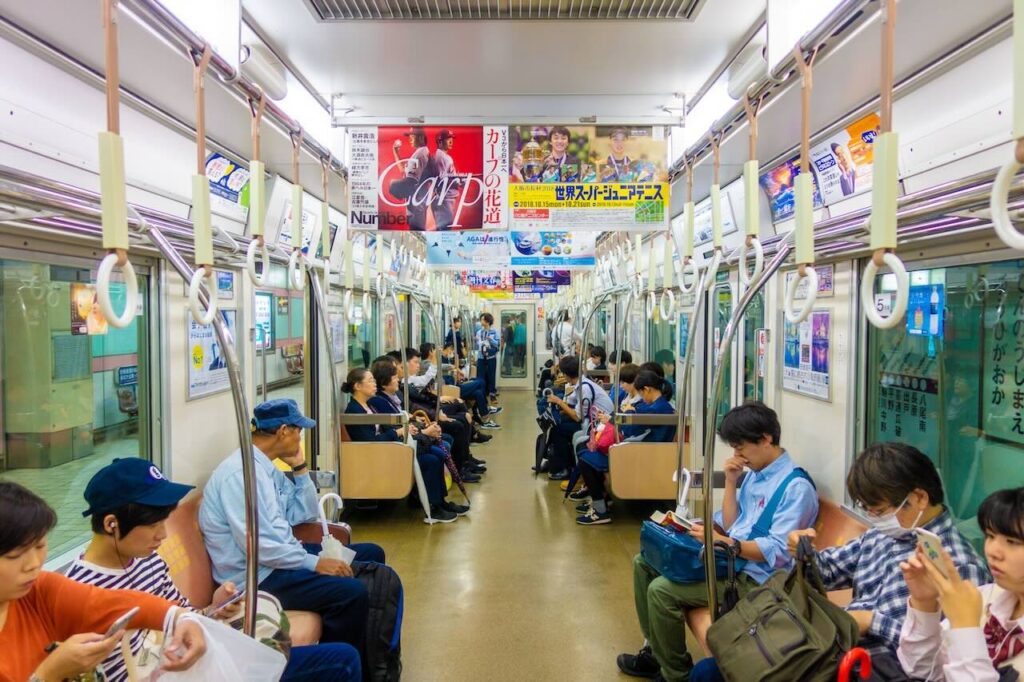
What a transit card takes care of
A compatible transit IC card such as ICOCA, Suica or PASMO lets you tap in and out on Osaka Metro. The system deducts the fare from the card, provided you have enough balance to exit.
Buying a paper ticket asks you to make some of the same decisions before you board. My problem was that I was trying to use the machine in the order I knew from Korea.
Start by checking the operator
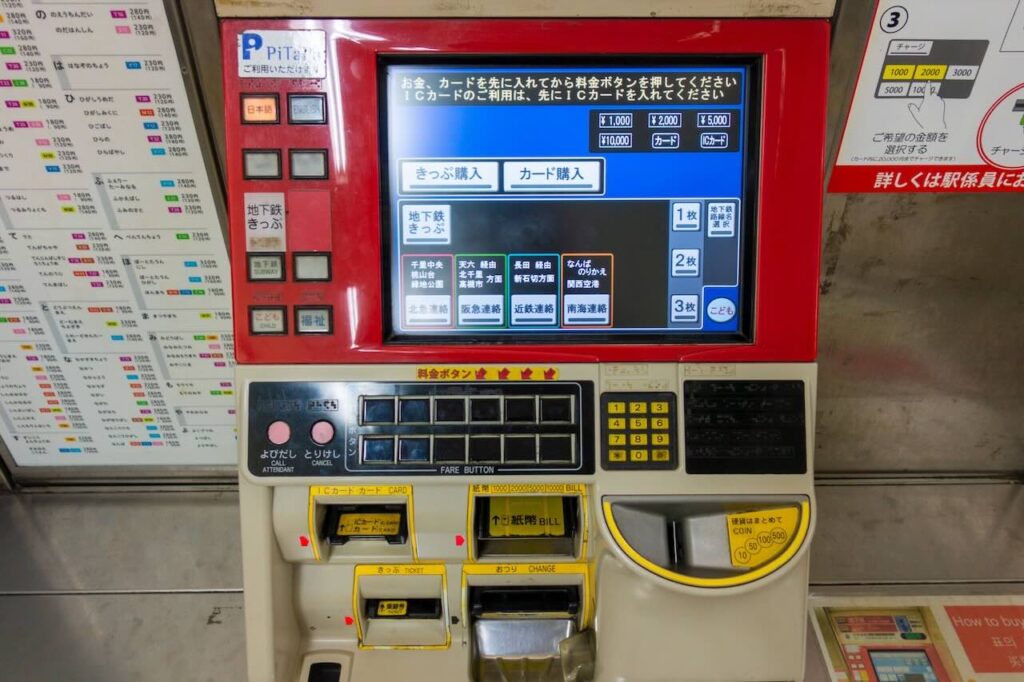
I expected the machine to ask where I wanted to go or show me the available fares right away. Instead I was looking at big buttons and trying to work out what they represented.
Some of the first buttons are ticket or route selections, not a fare. Look for an English-language option if the labels are unfamiliar.
A button for a route or operator can be useful at a station served by more than one network. At Kitahama, make sure you know whether you are taking Osaka Metro or Keihan. The machines and the available ticket options can differ.
I did not know which screen I needed. Every time I touched a button and nothing happened, it seemed a little more plausible that I had picked a broken machine.
The point where I needed cash
Eventually I found the fares. They were on the screen, and I still could not select one.
On the machine I used, inserting cash made the fare selection available.
I had expected to make the selection and then pay. Instead I was left tapping the same spot until I asked a member of staff what to do.
The station attendant kept saying “Money first.” I had already found the right screen. What I was missing was the order the machine wanted.
Find the fare on the station map
For an ordinary paper ticket, you often buy the fare amount you need instead of selecting a destination by name. Look for the amount printed beside the station on the fare map.
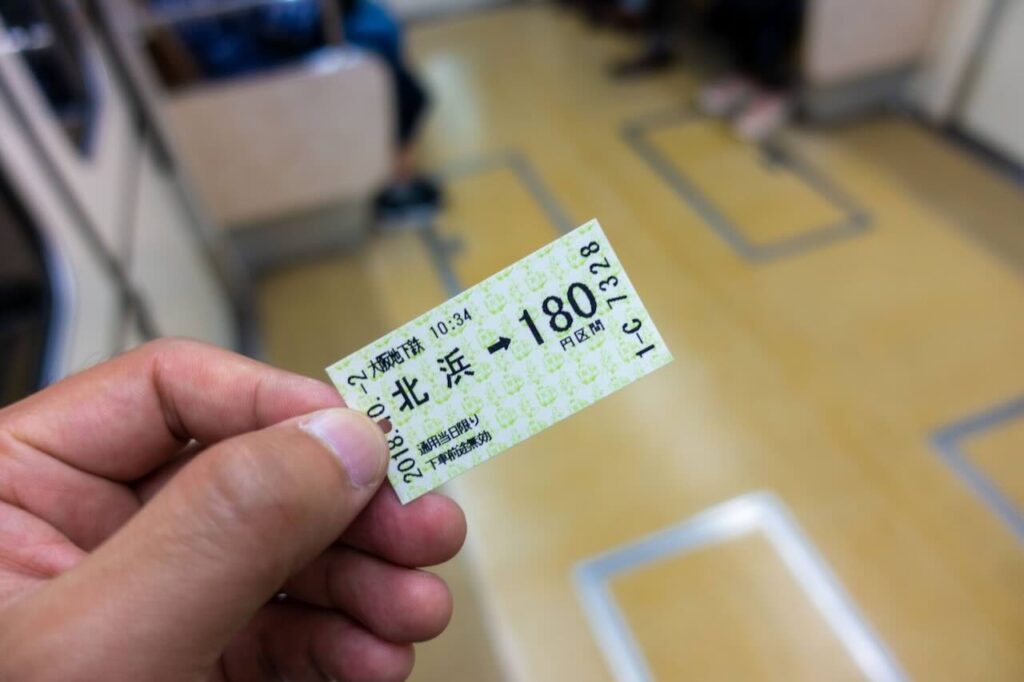
Find the destination, note the adult fare and choose that amount on the ticket machine. Keep the ticket to use at the exit gate.
For a trip involving another operator, check whether you need a transfer ticket, a separate fare or another gate. The staff can tell you which option applies to the route you intend to take.
Cash then, contactless options now
I used cash for the paper ticket I bought in 2018. Machines that accept cash have a slot for bills or coins. Use the denominations listed on the machine.
Today Osaka Metro also offers tap-to-pay at dedicated gates using eligible contactless cards and devices. Check the operator’s current instructions, particularly if you are continuing onto another railway.
Why the order threw me off
What made the encounter difficult was the order of the prompts. I could read enough to know what some of the buttons meant and still be waiting for the wrong step.
- What I expected: select the destination, check the amount, then pay.
- What worked on that machine: find the ticket option, insert cash, then select the fare.
Other machines can prompt you differently. Osaka Metro’s illustrated instructions for an automatic commuter pass machine, for instance, show options for language and private-railway transfers. Follow the prompts of the machine in front of you.
The next time you need a paper ticket
I would use a compatible IC card or check the contactless payment option before relying on a paper ticket. Make sure the way you tap in is also available at the gate where you plan to exit.
If you need a paper ticket, start with the fare map. It is easier to use the machine when you know the operator and the amount you are looking for.
Choose the right ticket option and follow the payment prompts. If the display does not respond, ask the station staff before trying another route button.
The next ticket I bought went much faster. The useful thing I had learned at Kitahama was which decisions the machine expected me to have made already.