 WALKSCAPE
 Crosswave Edition
Drawing a Snoopy-Inspired Astronaut at Apple Jamsil
2023-06-23
At an Apple Store you may walk past a table where everyone has an iPad open and a member of staff is talking them through something on the screen. That is what a Today at Apple session looks like from the rest of the shop.
The free workshops can cover things such as photography, editing or making music. The appeal for me was that I could try using a device for something I would not ordinarily do with it.
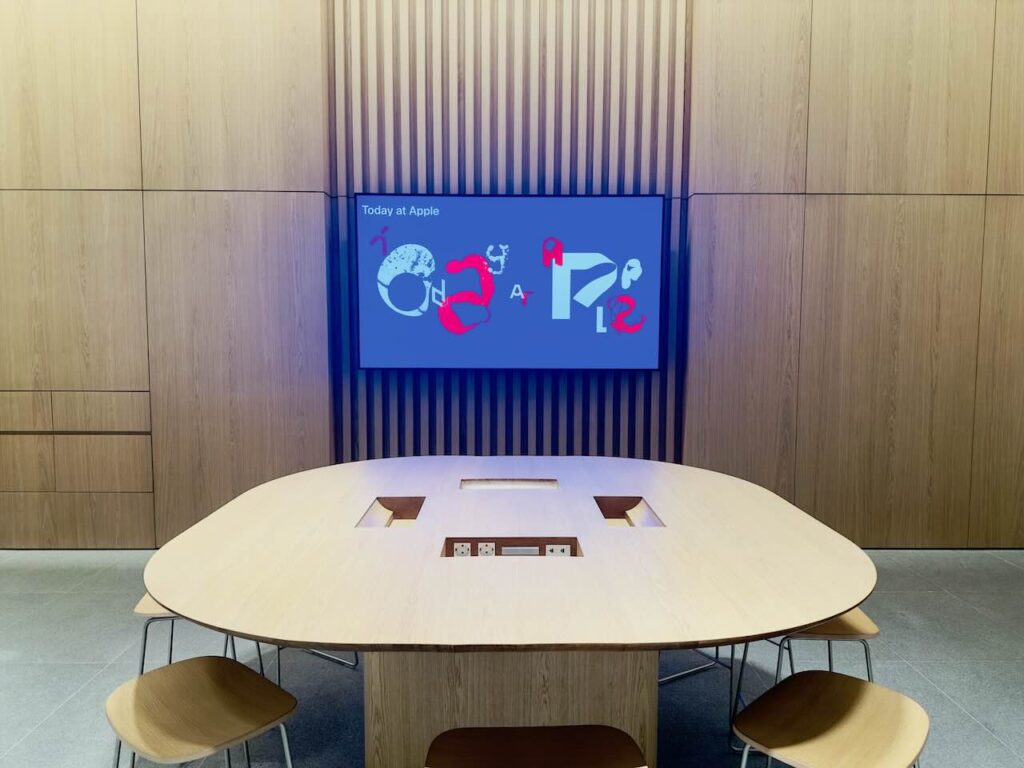
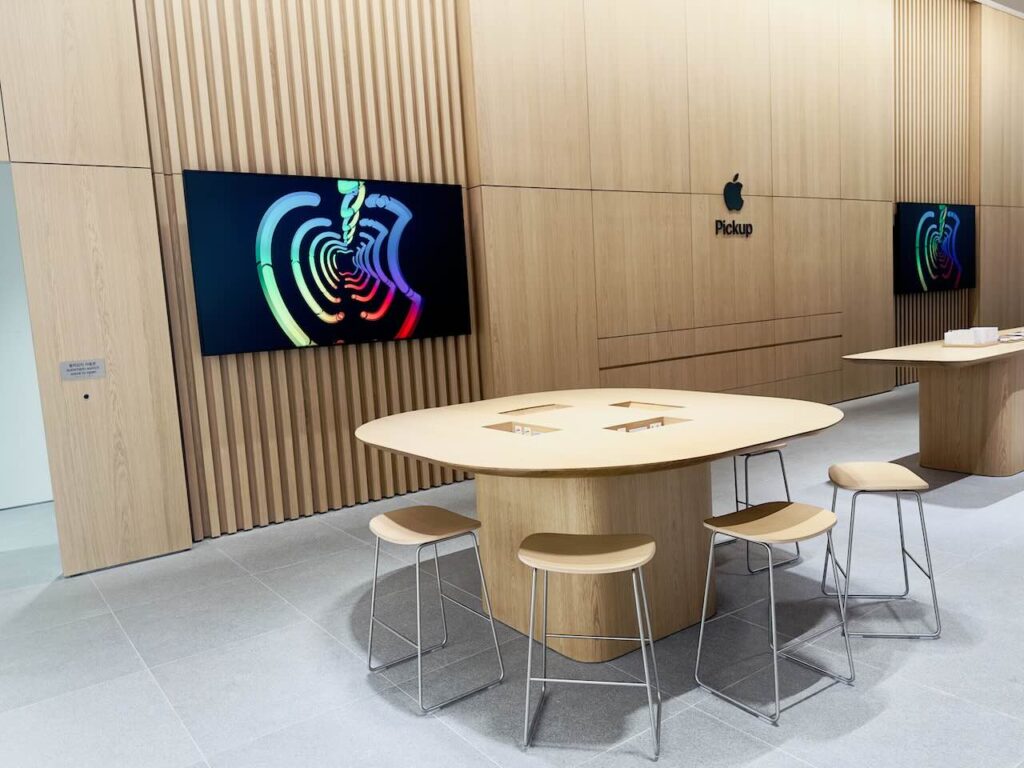
A small table at Apple Jamsil
I had seen sessions at the Myeongdong flagship that felt like events. The group at Jamsil felt more like a small class, with enough room around the table to work at your own pace.
There were about five or six of us that day. While the instructor demonstrated a step, we could try it ourselves and look up again when we had found it.
That made the first few minutes easy. I had come to try it, and there was no need to arrive knowing how to draw.
An astronaut in the style of Peanuts
The session drew on Snoopy in Space. We used Procreate on the iPad to draw an astronaut and make a simple animated GIF.
I had used an iPad for a long time, mostly for notes and writing. Procreate was familiar by name, but I had barely tried drawing on the device.
We began with the tools: the brush, the weight of a line, the color picker and the way a layer sits above another one. For each one there was a short demonstration and time to try it.

What changed when I could use layers
Layers were the part I noticed first. On paper I have to change what I already drew. On the iPad I could put a line or a patch of color on its own layer and change one without disturbing the other.
I could draw the outline, add the color separately and keep the expression where I could revise it. I began thinking about the drawing as a few choices that could be made independently.
Then we made two frames with different expressions and turned them into an animated GIF. The movement was simple enough to see how it worked. That made it more surprising to see the little character move.
Trying the iPad Pro and Apple Pencil
The store provided an iPad Pro and a second-generation Apple Pencil. Compared with my M1 iPad Air, the display on the Pro felt smoother to me as I moved the Pencil.
Pressure changed the weight of the line in a way that felt familiar from paper. It took very little time for the iPad I associated with writing to become a place to draw.
I had read about what an iPad could do. This was the first time some of that range meant something to me.

One prompt, several drawings
We looked at each other’s drawings at the end and talked about how we had chosen a color or changed the character.
Everybody had started with the same assignment. The different results were as useful to see as the tools themselves.
I went away knowing I could try drawing again if I wanted to. That was plenty for one visit.
A chance to try it for free
The session I attended was free, with the devices provided. Apple Jamsil lists current sessions separately, so check the booking page for what is available and what you need to bring.
Being able to sit down and try something removes the usual early questions about whether you will be good at it or whether you should buy anything first.
I went in to see what drawing on an iPad felt like. What stayed with me was a two-frame astronaut and the possibility of doing another one.
Apple Jamsil · Visitor information
- Address
- 1F, Lotte World Mall, 300 Olympic-ro, Songpa-gu, Seoul
- Phone
- 080-500-0098
- Hours
- 10:30–22:00 daily at the time of the visit
- Website
- Apple Jamsil