 WALKSCAPE
 Crosswave Edition
What Is SSH? Getting from the WordPress Dashboard to the Server
2026-02-15
At some point, anyone looking after WordPress on a cloud server will run into the same instruction.
“Connect over SSH.”
That can sound like an invitation to a second login screen.
If the website opens in a browser and you already have a dashboard, it is reasonable to wonder what another way in is for.
SSH gives you a way to reach the system beneath WordPress from another computer.
The computer behind the page
A website reaches you as a page on a screen. Behind the page, software handles the request on a server. In a small WordPress installation, that server may be a single cloud instance.
A cloud instance behaves much like a computer you could sit down at, even when it shares physical hardware with other virtual machines.
A typical web server is set up to do a few things.
- Stay running.
- Stay connected to the network.
- Run software that answers web requests.
The part you see in your browser is only one job that computer is doing.
In a data center you generally have no monitor or keyboard attached to your own instance. You need a way to use the operating system from wherever you are.
That is where SSH comes in.
What an SSH session feels like
SSH stands for Secure Shell. The name describes a way to establish a protected connection to another computer.
Think of it as using a terminal on a computer somewhere else while sitting at your own keyboard.
The difference is easy to picture.
- At home, you can type directly into the computer in front of you.
- In a data center, you need a way to send that input to a computer you cannot reach.
SSH carries the connection across the network.
Once you have authenticated and opened a remote shell, what you type goes to that shell. When you run a command, its output comes back to your terminal.
You will usually see a plain terminal window. Its colors depend on your settings. The prompt is the remote shell’s way of saying it is ready for a command.
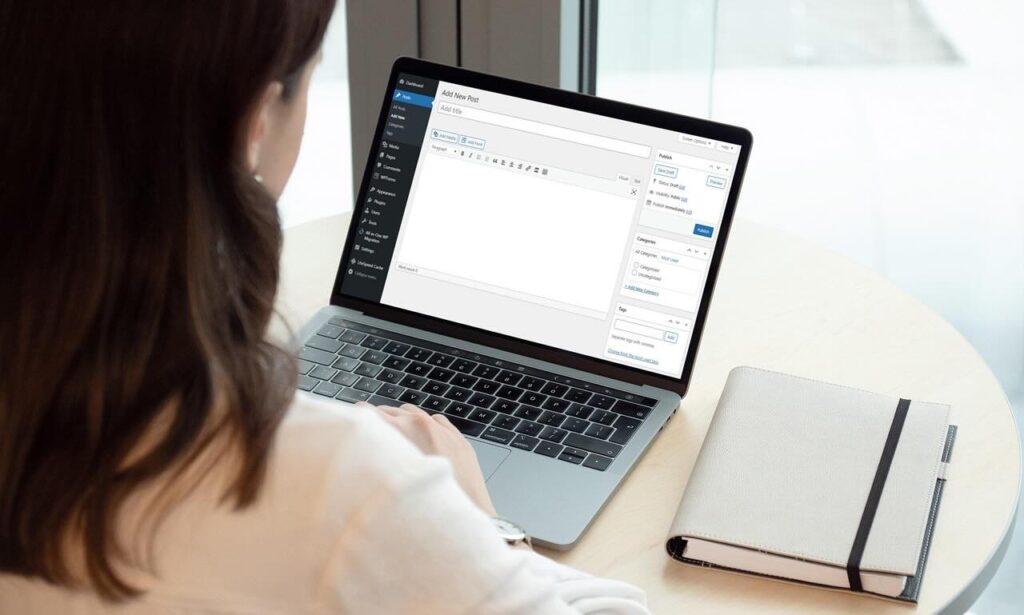
The dashboard and the operating system
If /wp-admin already gives you a login screen, what does SSH add?
The two sessions reach different things.
- The dashboard manages the WordPress application.
- An SSH session can give you a shell on the operating system.
WordPress is one application running in that system.
Use the dashboard to write posts, install plugins and change themes. For work such as inspecting server logs or checking how much memory the system has left, you need access outside the dashboard.
An SSH session can give you access to the operating system itself, within the permissions of your account.
When server access matters
When the site is healthy, the dashboard is enough for much of the day-to-day work. The difference becomes apparent when something underneath the site fails.
Consider what you would do if you saw any of the following.
- A database connection error on the public site
- A dashboard that will no longer load
- A sudden slowdown across the site
- Image uploads failing because the disk is full
- A surge in spam comments overwhelming the site
If the dashboard is unavailable, a working SSH connection can let you investigate directly on the server. That assumes the instance is running and the network path and SSH service are still available.
What you can do from the terminal
In a remote shell you can run the commands available on the server. The account you connected with determines which files and services you can access.
Common tasks include the following.
- Check memory use.
- See how much disk space is left.
- Restart a web service.
- Inspect or maintain a database.
- Manage files in bulk.
- Read server logs.
These tools remain useful when WordPress cannot serve the dashboard. Some hosts also provide a separate browser console or other recovery tools.
What “Secure” means
A remote login to a networked server needs to protect both the identity of the people connecting and the traffic they send.
SSH encrypts the session, including commands and output. The server’s host key also helps your client verify that it has reached the intended machine.
Many cloud servers use key-based authentication. The private key stays with you, and your SSH client proves it holds the key without sending it to the server. Protect that key and give each account the permissions it needs.

Which commands are available?
The shell on the other end depends on the host.
SSH is the connection protocol. If the instance runs Linux, you will usually arrive at a Linux shell and use the utilities installed there.
Commands such as free -h, df -h and top come from that environment. You can use them to look at memory, storage and running processes, respectively.
Know where each login leads
A browser normally shows you the results of what the server is doing. A remote shell lets you see and work with the system doing it.
Keep the dashboard for editorial and site work. Learn how your host provides server access so that you have a way to inspect the underlying system when the dashboard goes quiet.
The next time an instruction says “connect over SSH,” think of the operating system you need to reach and the work you want to do once you get there.