 WALKSCAPE
 Crosswave Edition
Saving a Naver Cafe Video in Chrome
2025-12-21
Naver Cafe posts can contain lectures, recordings of events and videos shot by individual members. When you need to keep a copy of a video, the standard player does not ordinarily provide a download button. Screen recording has been one workaround, but it takes as long as the video itself.
A Chrome extension called NaverCafe video downloader adds a way to save a video from a post you can already open. Use it for your own videos or ones you have permission to download.
A Chrome Extension for Naver Cafe Videos
The extension does one job. It adds a way to download an embedded Naver Cafe video from a post you can view.
Once the extension is installed, open the post and click its icon in the Chrome toolbar. The developer’s listing says the popup offers a choice of available resolutions. The current listing also describes a download button beside the video title.
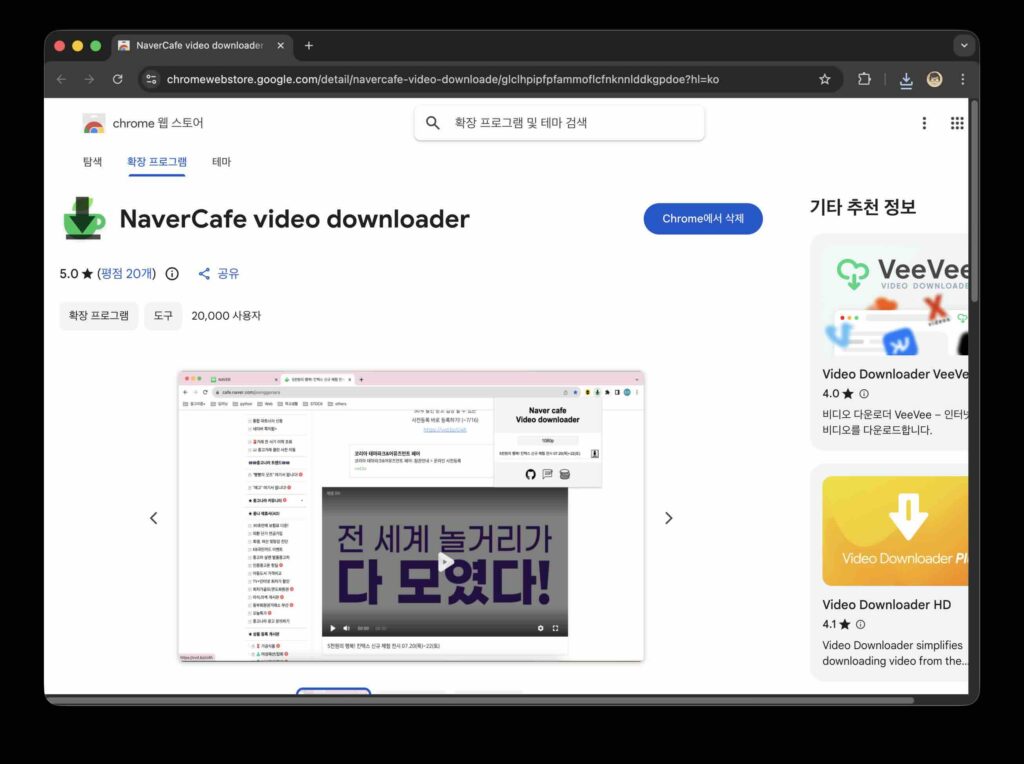
How to Use It
The basic steps run from installing the extension to opening the post.
- In the Chrome Web Store, install NaverCafe video downloader.
- Open Naver Cafe.
- Go to the post that contains the video.
- Open the extension, choose an available resolution and click Download.
The developer lists these controls on the store page.
The extension does not require a separate account. Use your usual Naver login when the cafe or the post requires it.
A Tool With One Purpose
The extension is designed specifically for videos embedded in Naver Cafe posts. Pinning it to the toolbar makes the popup easier to reach. If you only need it for one download, you can remove it from Chrome afterwards.
NaverCafe Video Downloader