 WALKSCAPE
 Crosswave Edition
Why Blogger Still Works as a Place to Keep Writing
2025-12-21
What a longstanding blogging tool is still good for
Korean writers can choose from Naver Blog, Tistory, Kakao’s Brunch, Google’s Blogger and a self-hosted WordPress site. All can put a post on the web. They differ in what they ask of the person who keeps it there.
A self-hosted WordPress site offers more room to change how things work, alongside responsibility for the server and software. A hosted service takes much of that maintenance away and gives its operator more say in the rules. Blogger has occupied that quieter part of the market for a long time.
Blogger and Blogspot
Blogger began at Pyra Labs in 1999. It offered an early answer to a simple problem: how could somebody publish regularly on the web without building every page by hand?
Google acquired the service in 2003. Blogger is the publishing service, and Blogspot is the name in its default hosted addresses. In Korea, people sometimes use both names to refer to the blog platform.
Its public face has not always looked as new as the services around it. The basic work still takes only a few steps: open the editor, write and publish.
Why some Korean publishers looked again
Tistory had long appealed to Korean bloggers who wanted a different kind of layout and the option to run AdSense. Its decision to add its own ads to monetized blogs in June 2023 brought one cost of hosted publishing into view. A change made by the operator could show up directly inside a post.
That made Blogger worth looking at again. Hosting on the default address is free, and eligible sites can connect AdSense. Neither the Google account nor the Blogspot address guarantees favorable search placement.
Finding readers for a Korean-language blog
A Korean-language Blogger site does not have the same path to readers as a blog inside Naver. The expected audience and how those people search are worth thinking through before choosing a home for the work.
Google can discover and index public posts. A new blog may still need time and good links from its own pages and elsewhere before search traffic becomes visible.
For a long-running archive, there is value in having a place to put articles without first provisioning a server. The useful question is whether the editing and reading experience will still suit the site after the first fifty posts.
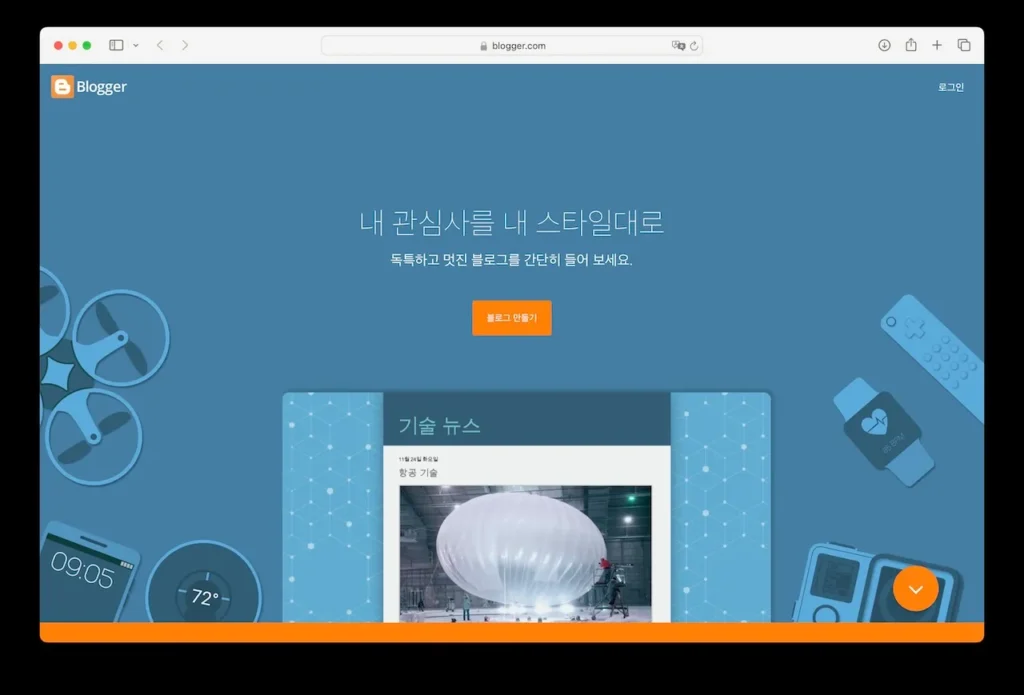
Starting is the quick part
You can create a blog by signing in with a Google account, choosing a name and selecting an available address. The first draft can be there in minutes.
After that you have to decide how the site should read. The default templates may need work to fit a particular identity or make the right things easy to find.
The next steps depend on the job you want the blog to do. Change the theme if the default layout gets in the way. Add Search Console if you want to inspect Google Search performance, Analytics if you need measured reader behavior, and AdSense if the blog is eligible and ads fit the site.
A tool for an archive in progress
I think of Blogger as a place to keep working. A publication grows through its articles, the links between them and the patience it takes to make the next one worth reading.
That makes it a possible home for reference articles, personal notes and material you expect to return to over time.
The platform has lasted because the job has lasted. People still want a place to write something down, put it on the web and find it again later.
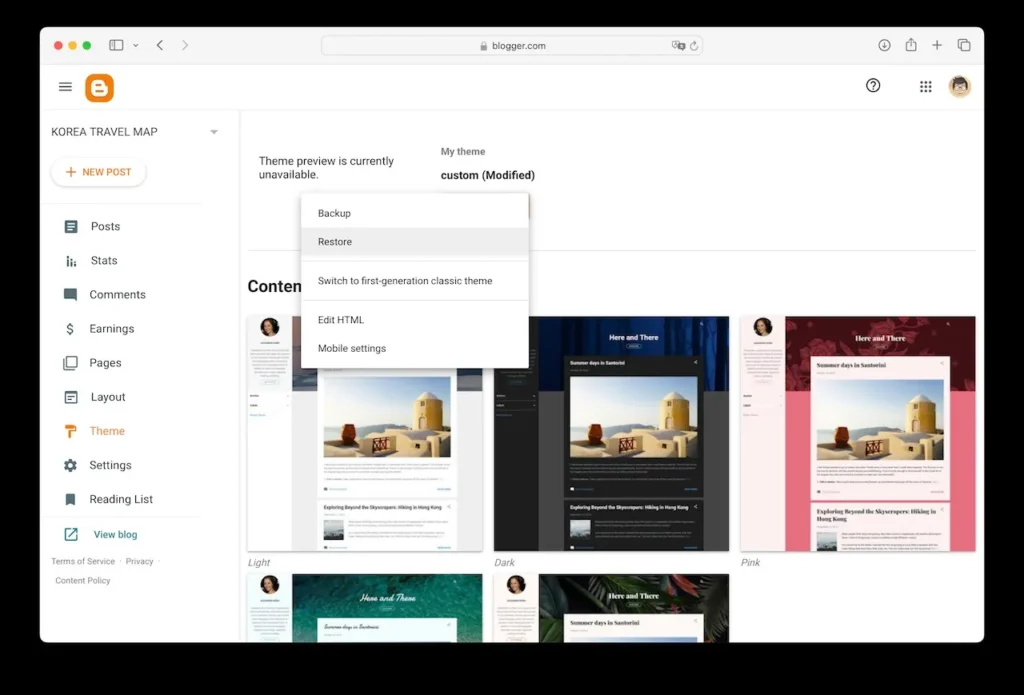
Creating a Blogger site
- Blogger
- Choose New blog after signing in with a Google account.
- Enter a name. You can change the title later.
- Choose an available address. If you plan to share or index it, consider keeping that address stable.
- Pick a theme.
- Review the blog’s basic settings and reader access.
Options after you publish
- Adjust the theme and layout to suit the articles.
- Verify Search Console if you want visibility into Google Search and indexing.
- Connect Analytics if you need to measure traffic and engagement.
- Apply for or connect AdSense if you want ads and the site meets the requirements.